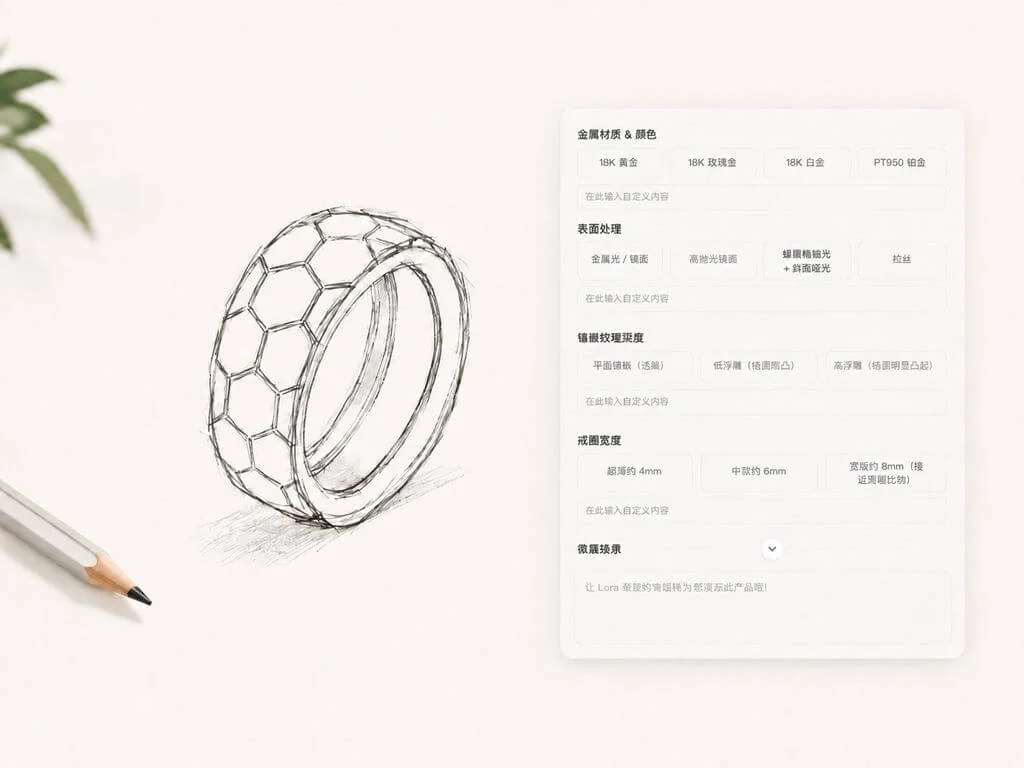
01Brief
How to define a jewelry design brief
Specify jewelry category and design intent. The system can offer supplemental options for style, metal, and stone—accept, edit, or replace them with your own input.
Use AI jewelry design to finish briefs, product images, try-ons, and marketing assets in one canvas—fewer shoots, fewer handoffs.
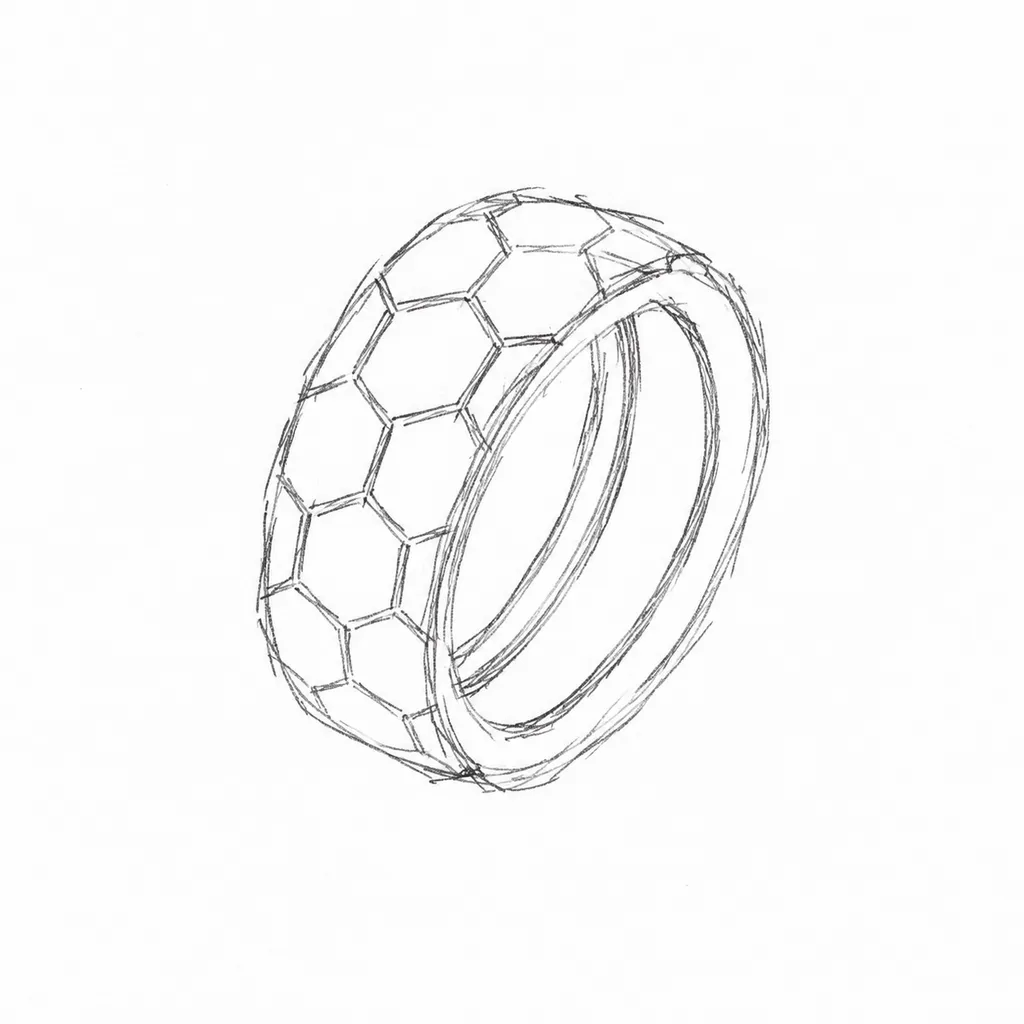
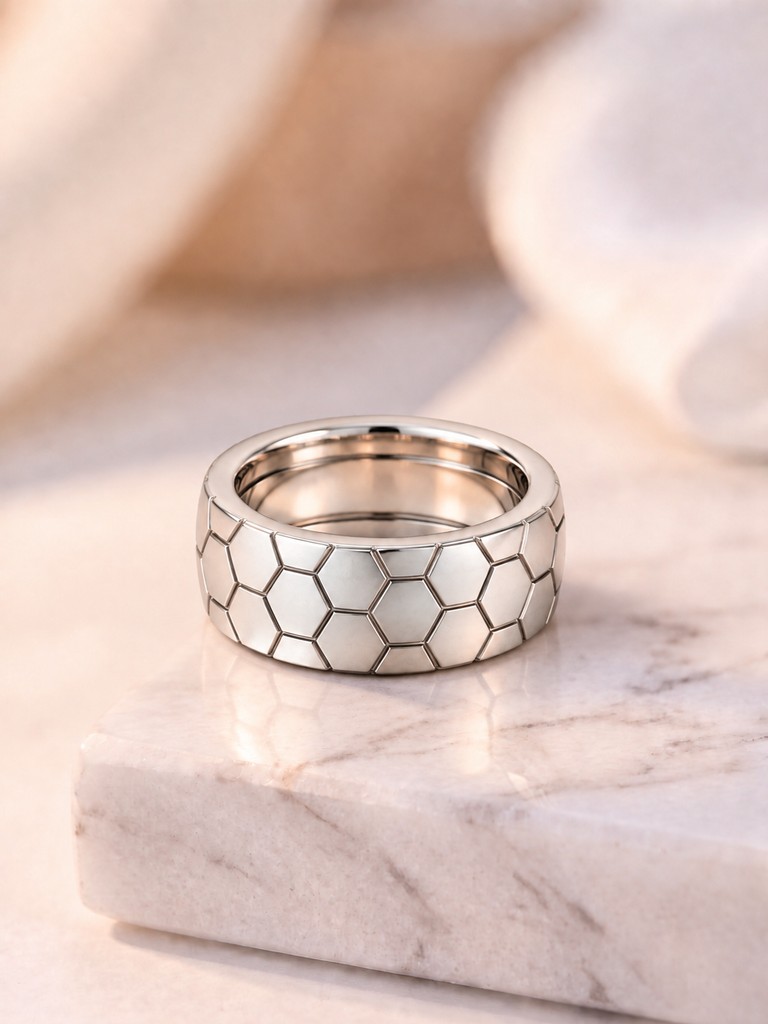
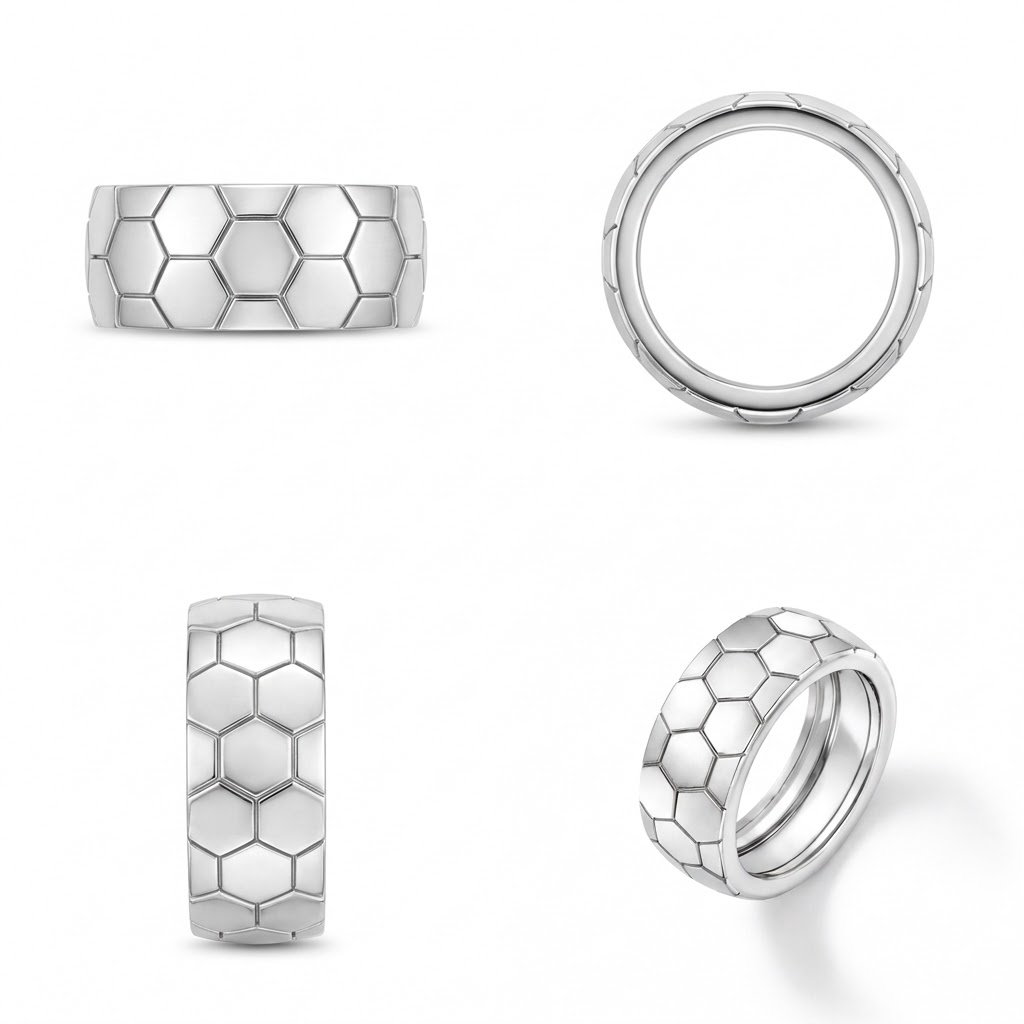
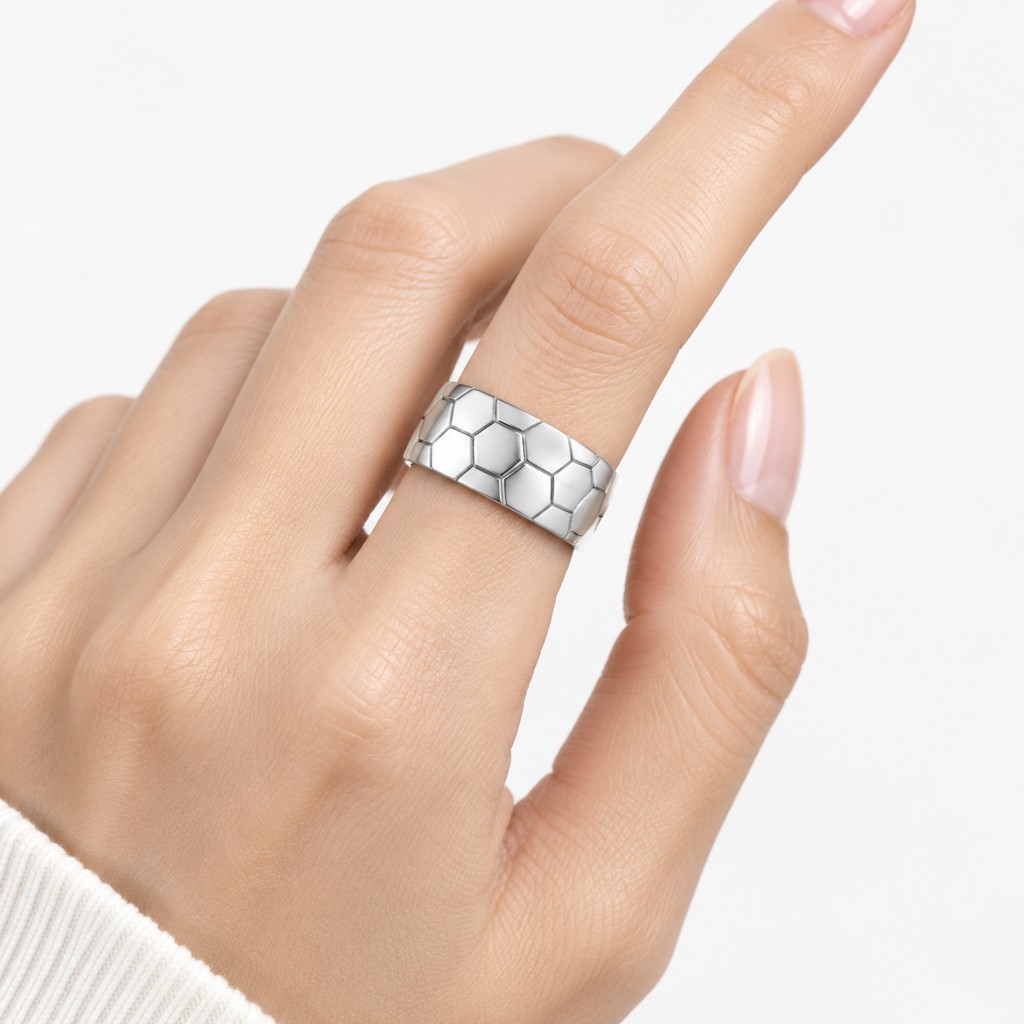
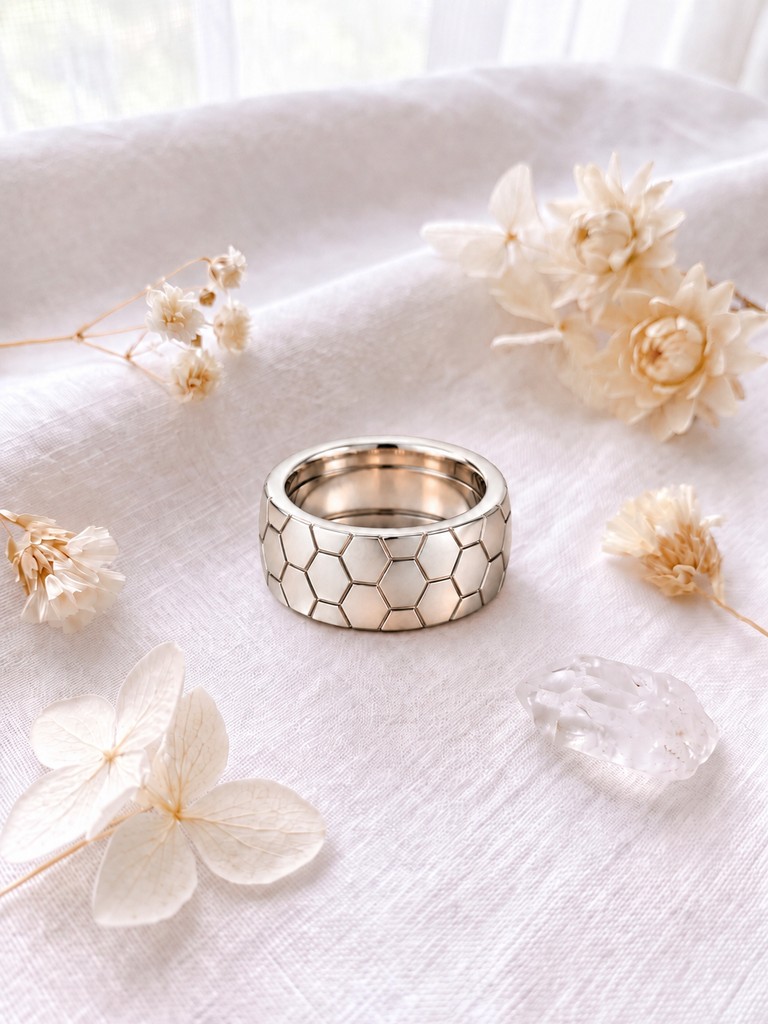
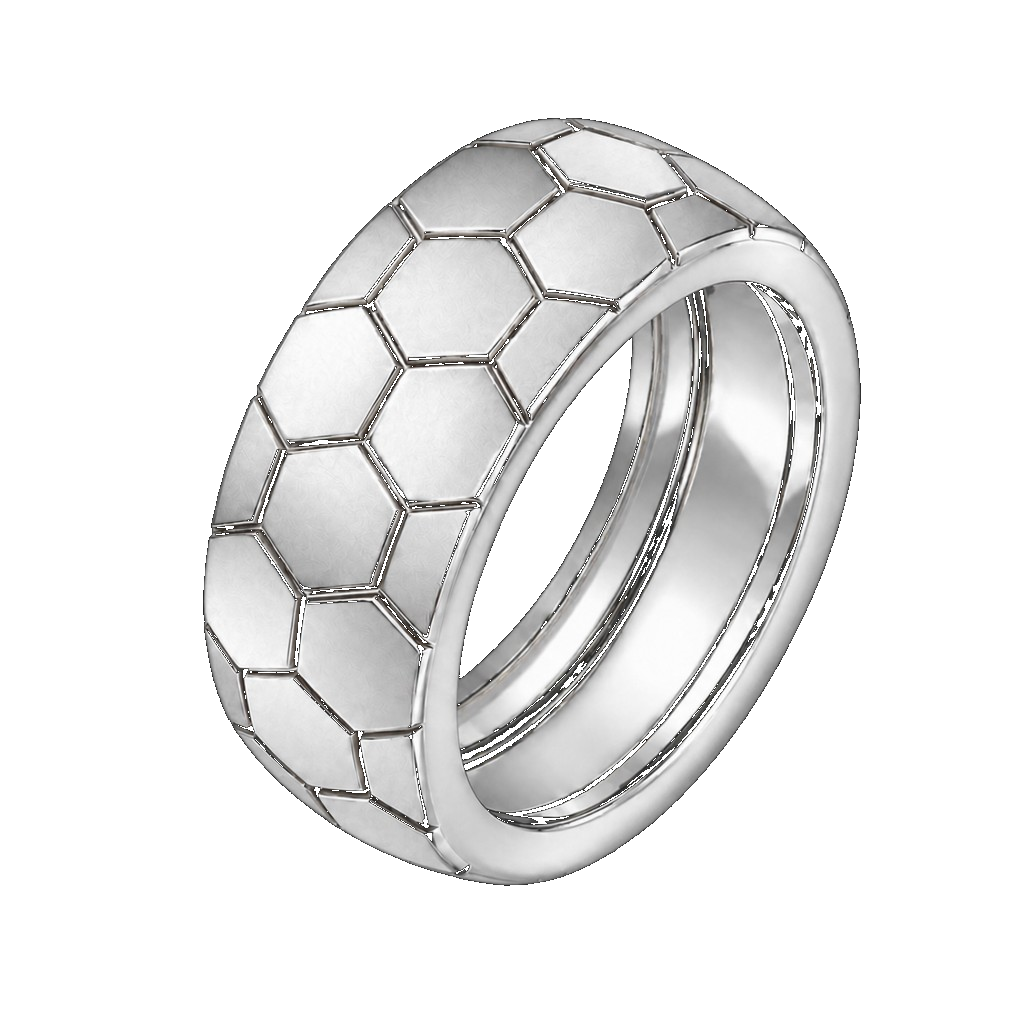
Step through jewelry product images, try-on, and marketing distribution.
Specify jewelry category and design intent. The system can offer supplemental options for style, metal, and stone—accept, edit, or replace them with your own input.
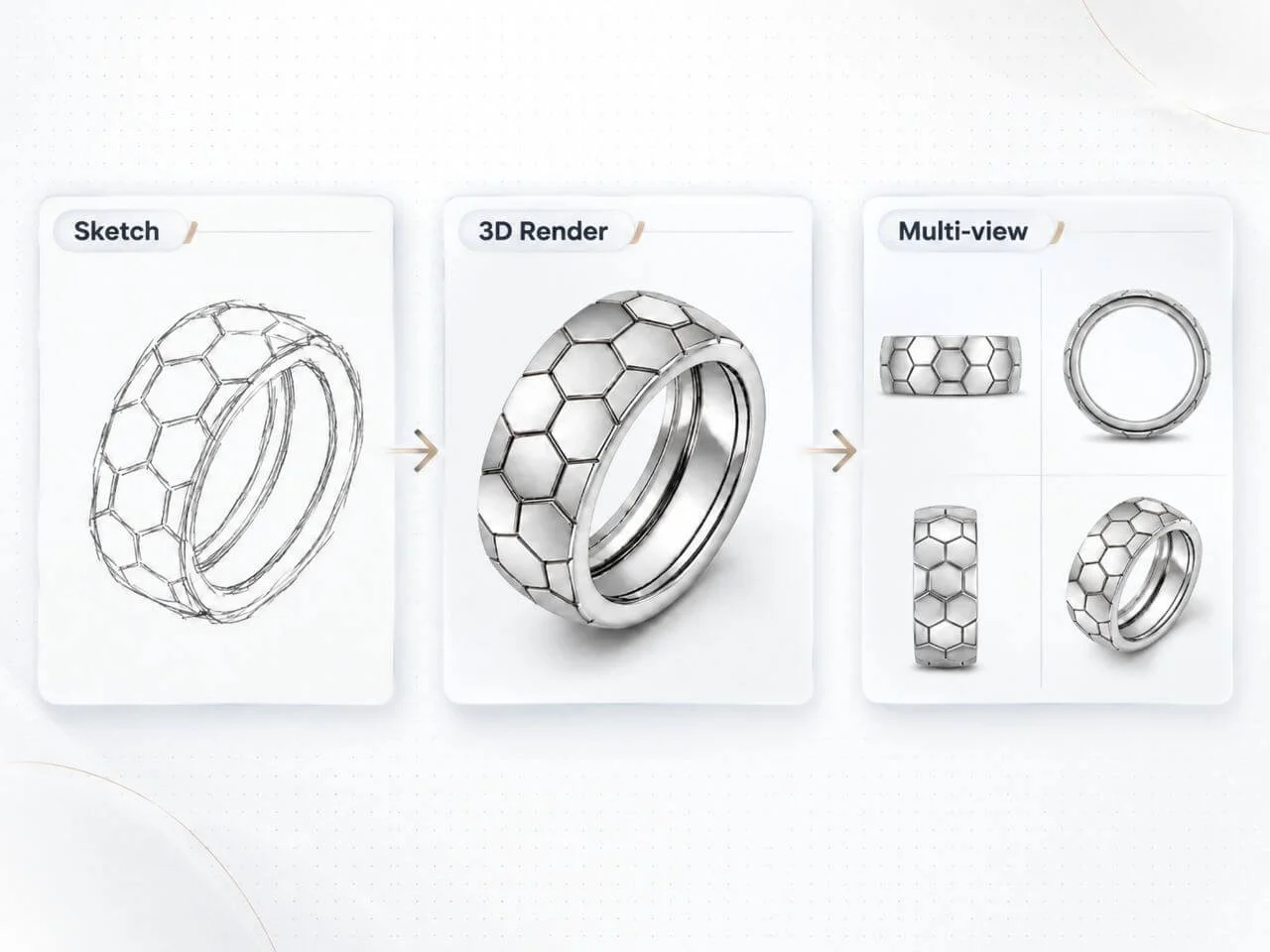
Produce an initial product image, then adjust lighting, angle, and detail until the frame meets internal review and listing standards.
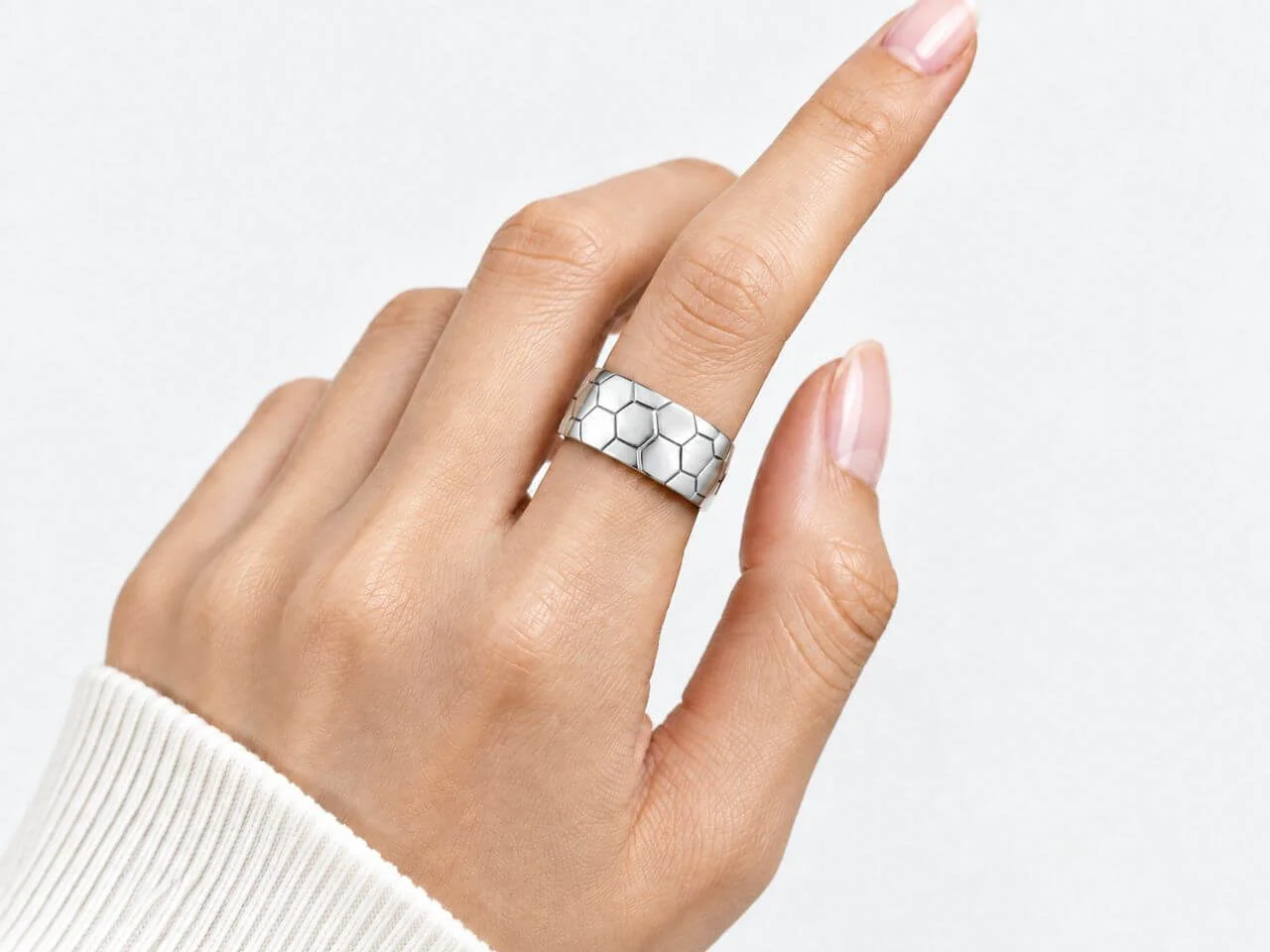
Upload the model photo you intend to use and generate on-model presentations consistent with the approved design for review and marketing.
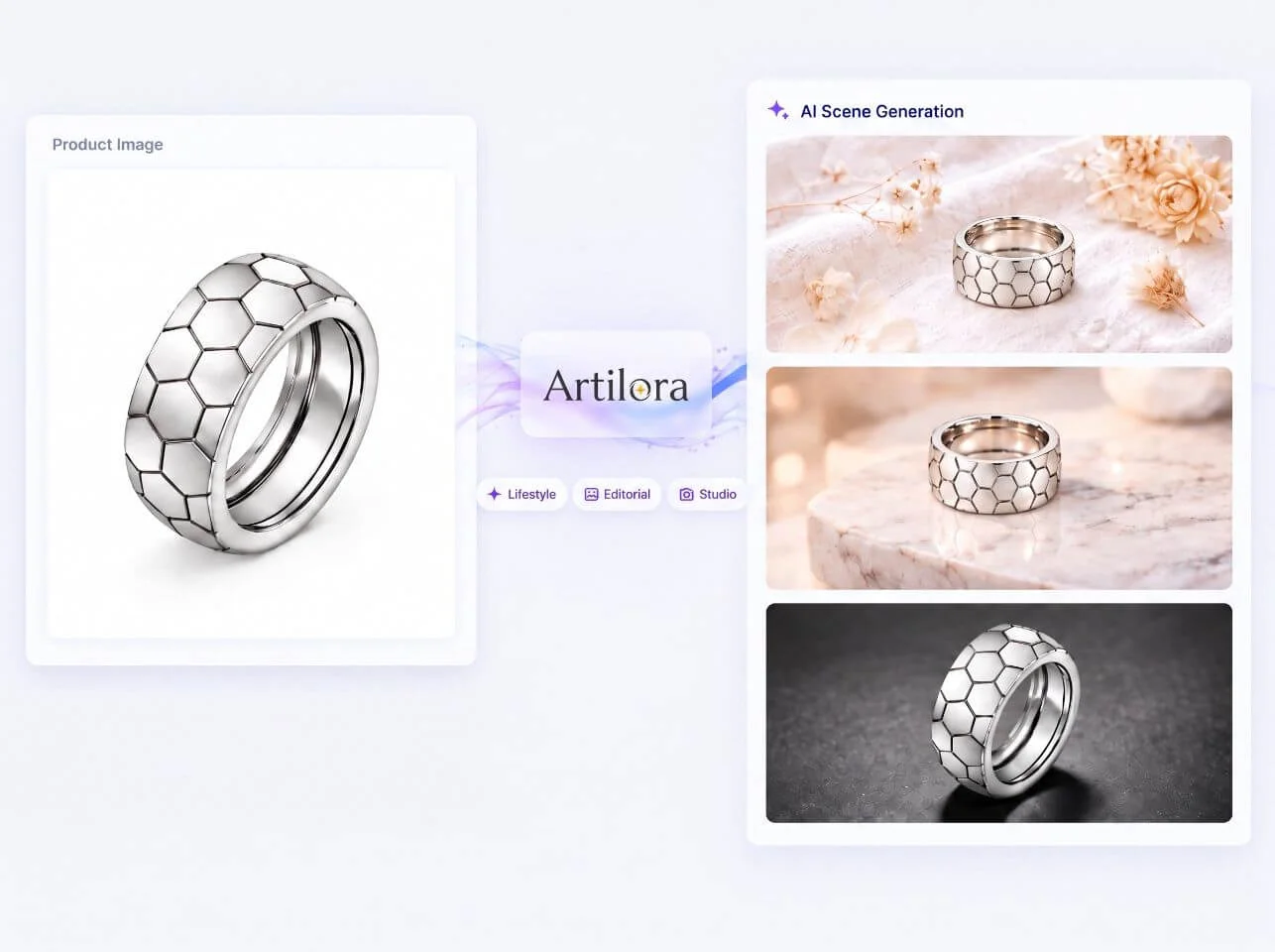
From approved product and try-on visuals, generate promo images, short video, and channel copy so visuals and messaging stay aligned.
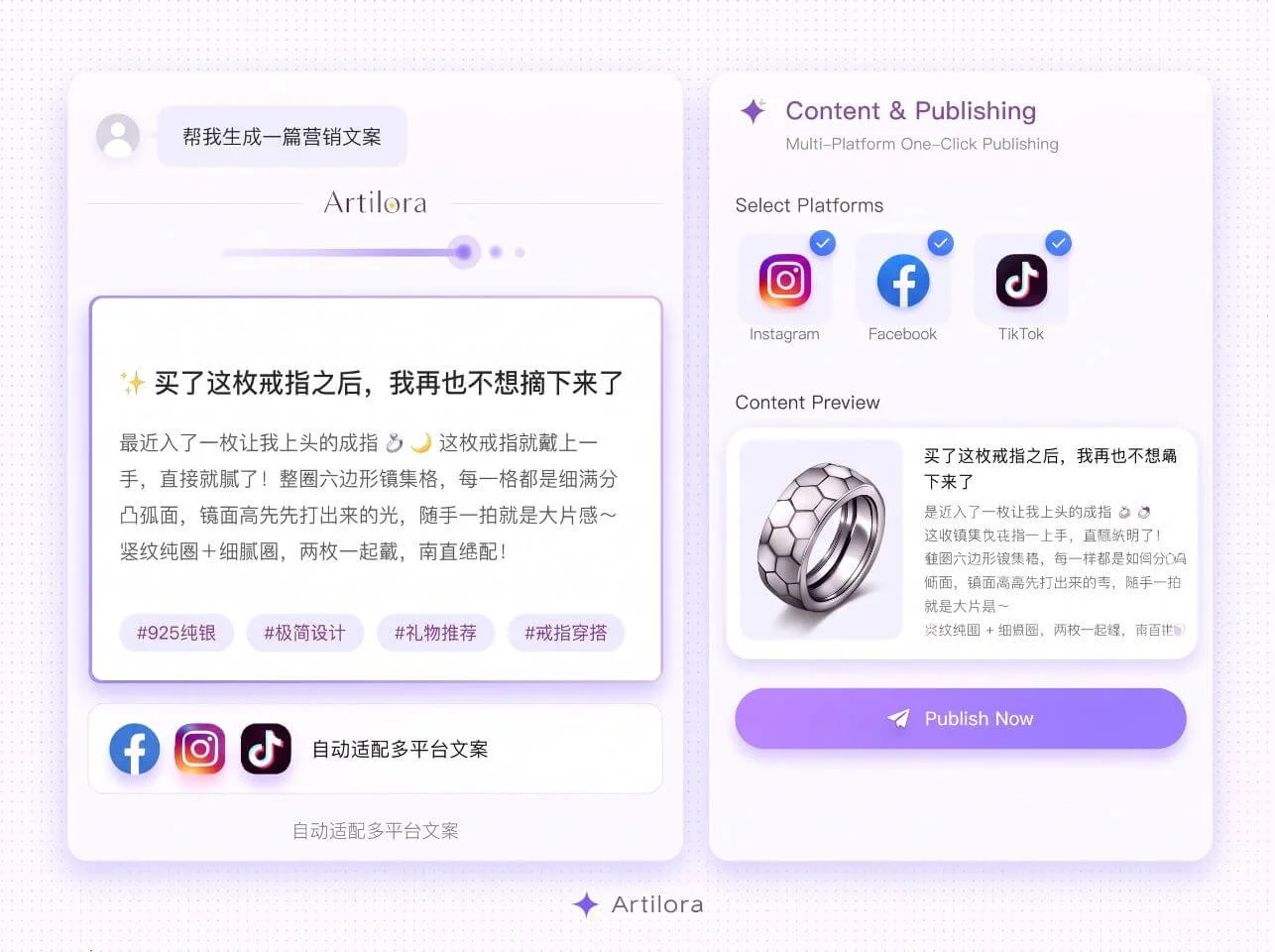
Once assets are approved, pick accounts and timing on the same canvas and schedule multi-platform publishing without switching tools.
End-to-end visuals and marketing for jewelry brands and studios.
Describe the jewelry piece and complete requirements via options or direct input.
Generate jewelry product images and iterate to a final approved visual.
Upload a preferred model photograph and generate consistent on-model presentations.
Produce short promotional video from approved jewelry visuals.
Reference publicly available online content and generate promotional copy for target applications.
Publish completed assets to multiple platforms directly from the canvas.
Category-aware generation across common fine and fashion jewelry types.
Joy, Made Real.

Copyright © 2026 Artilora All rights reserved.