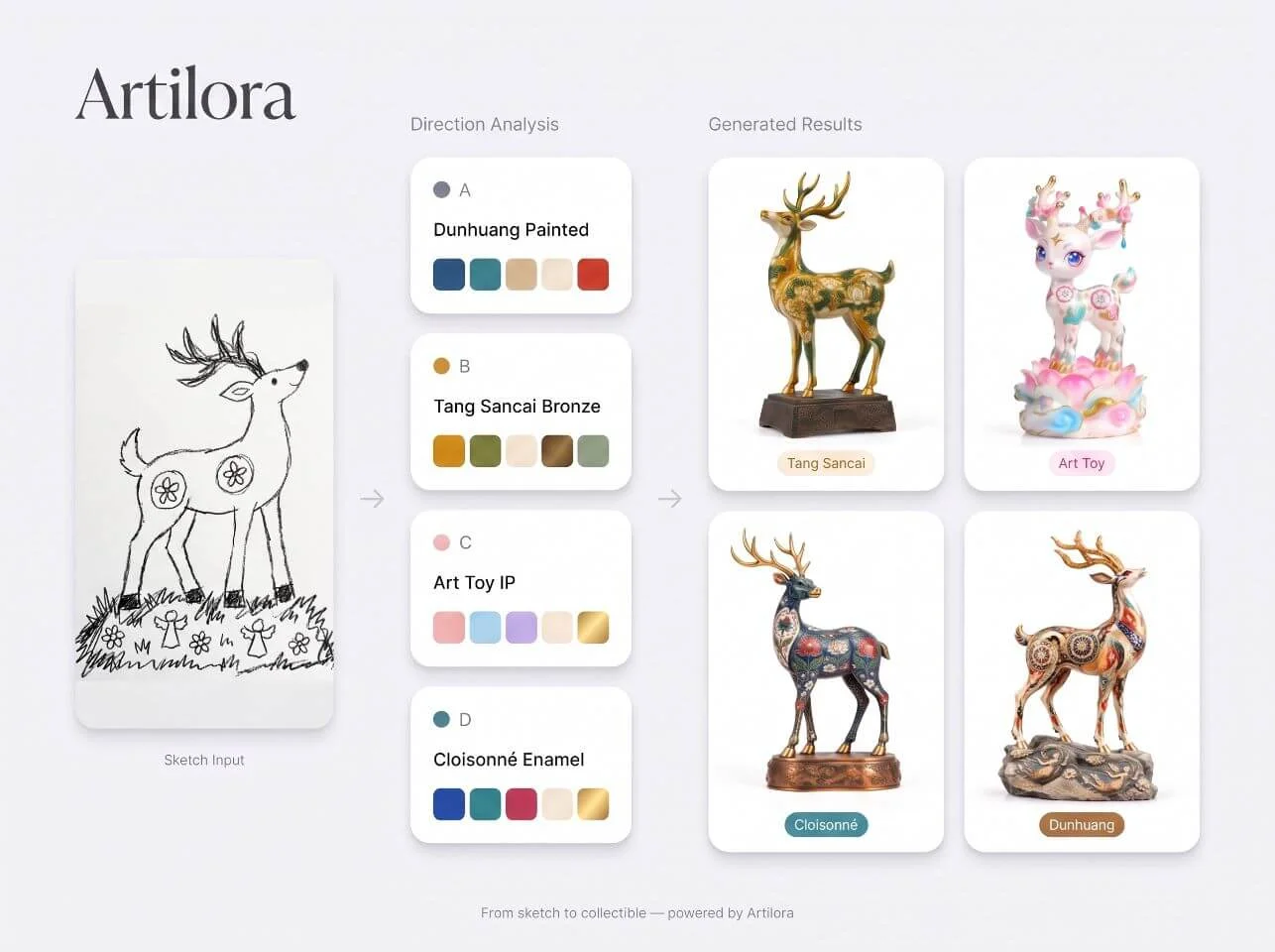
01Series direction
How to set toy series direction with AI
The system retrieves public style and category signals to support series theme and character decisions before visualization.
Use AI toy design for series research, process previews, packaging, and marketing before you tool up.
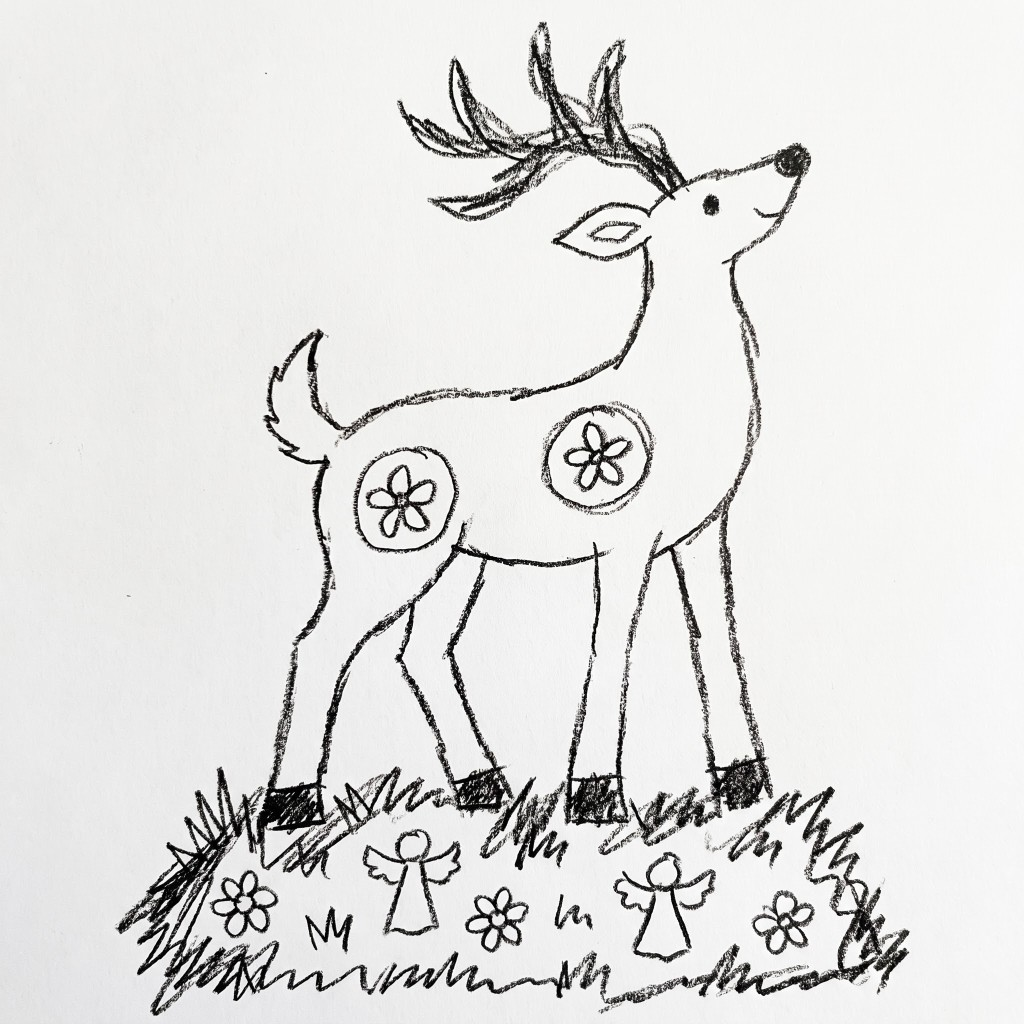
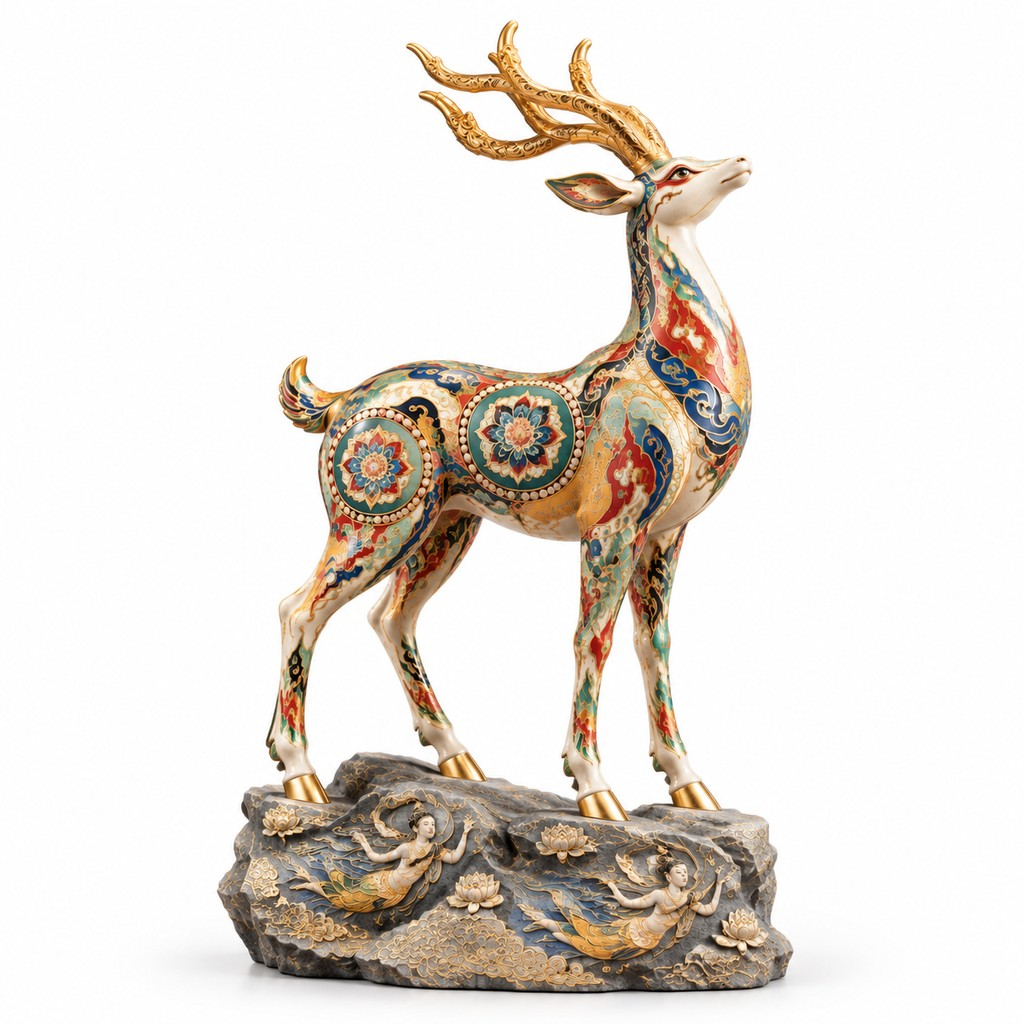
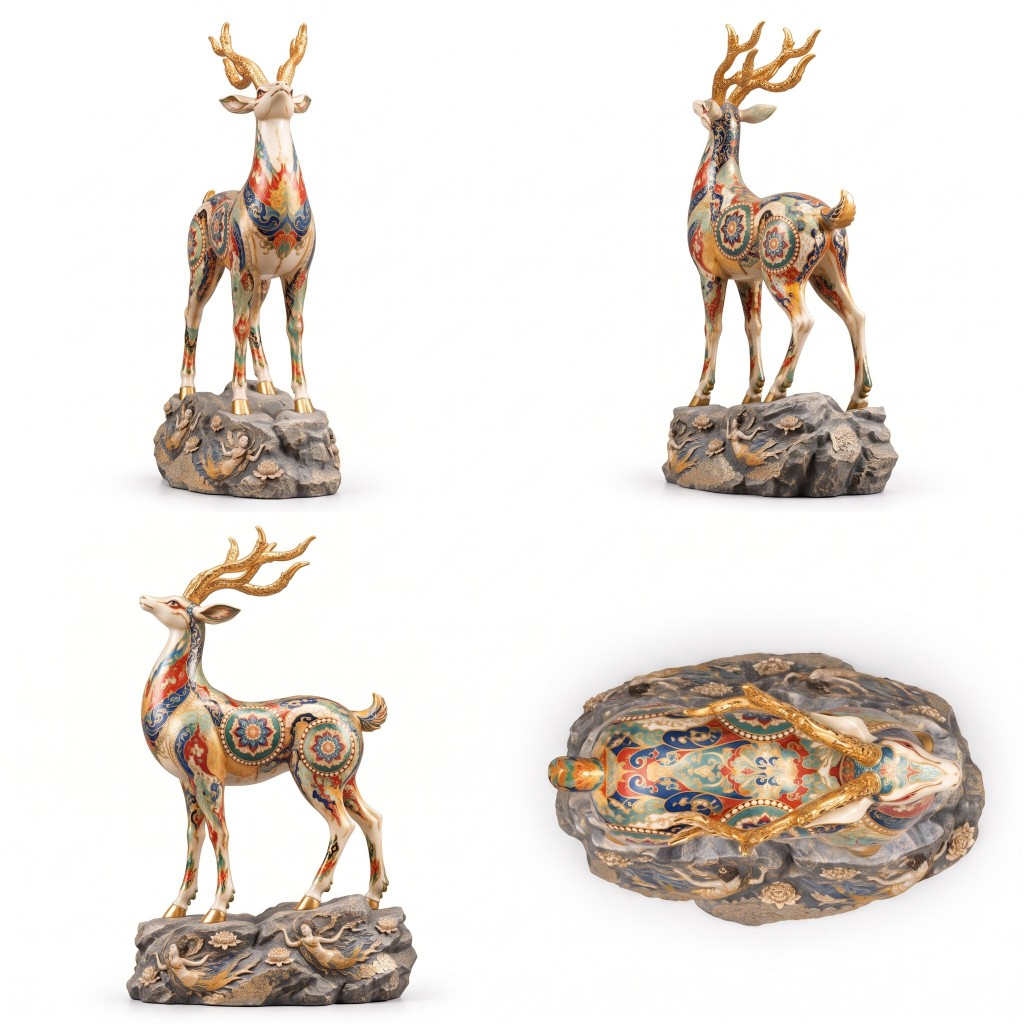
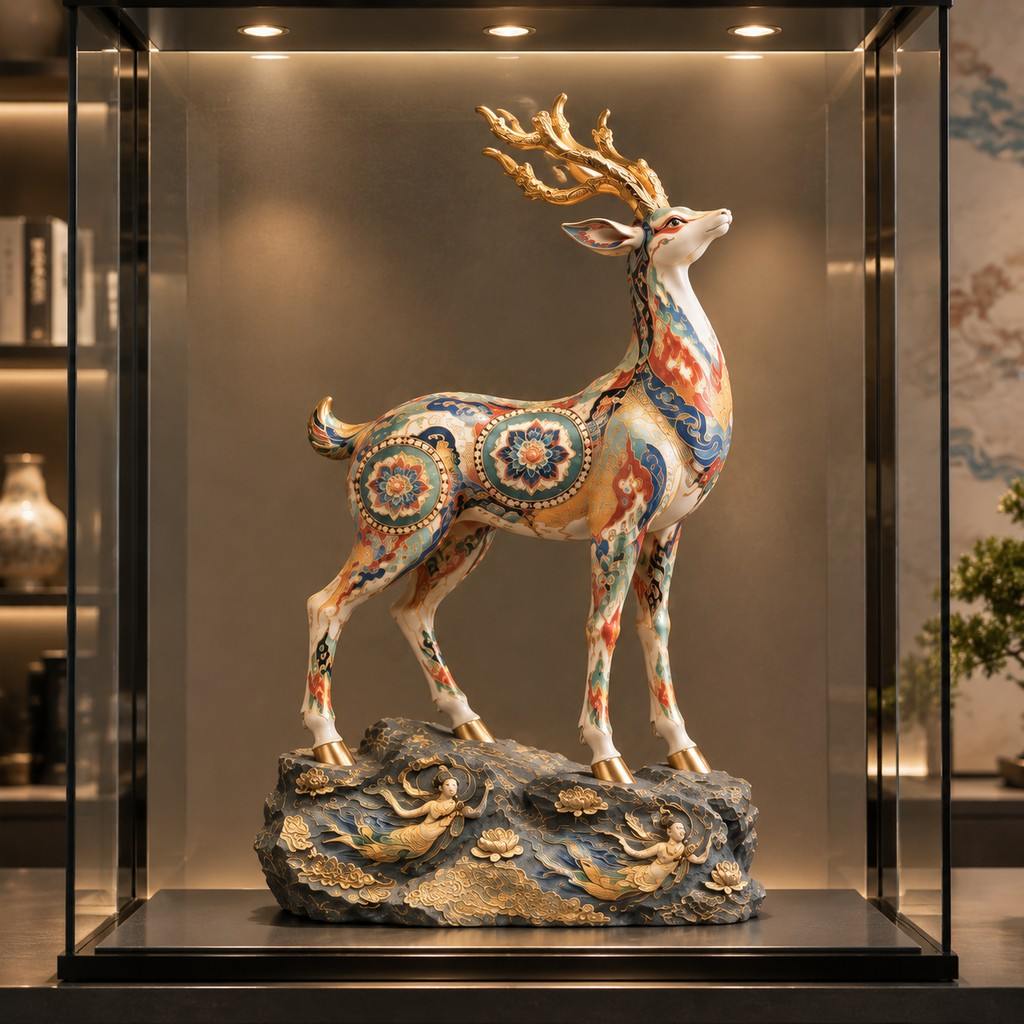
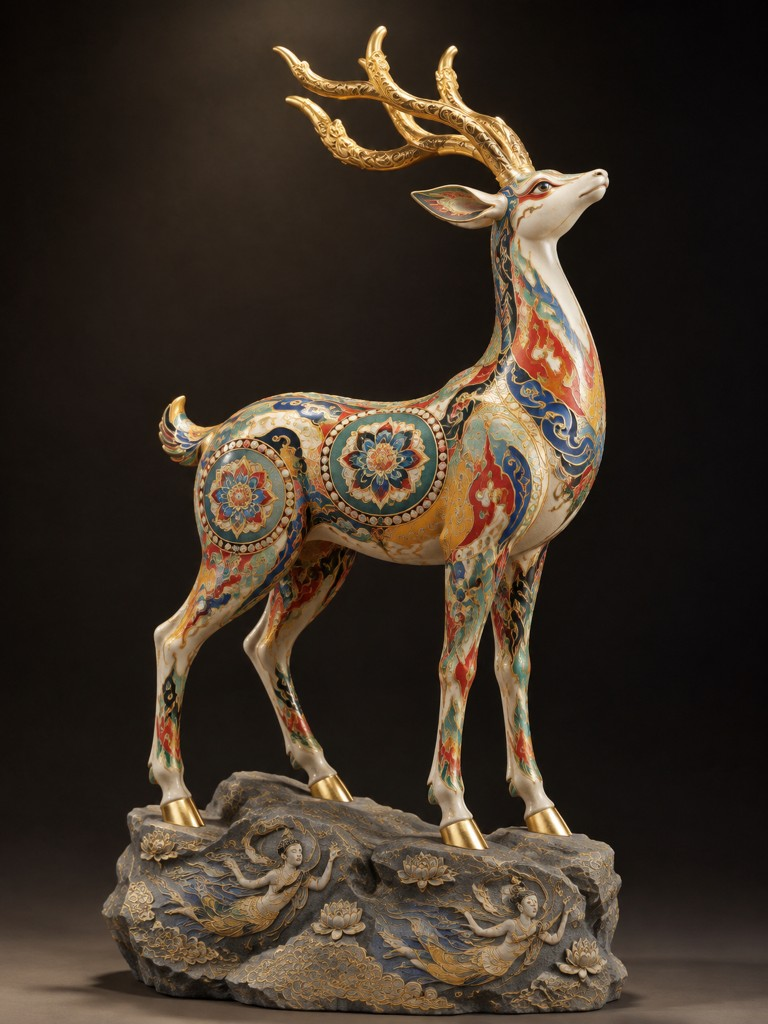
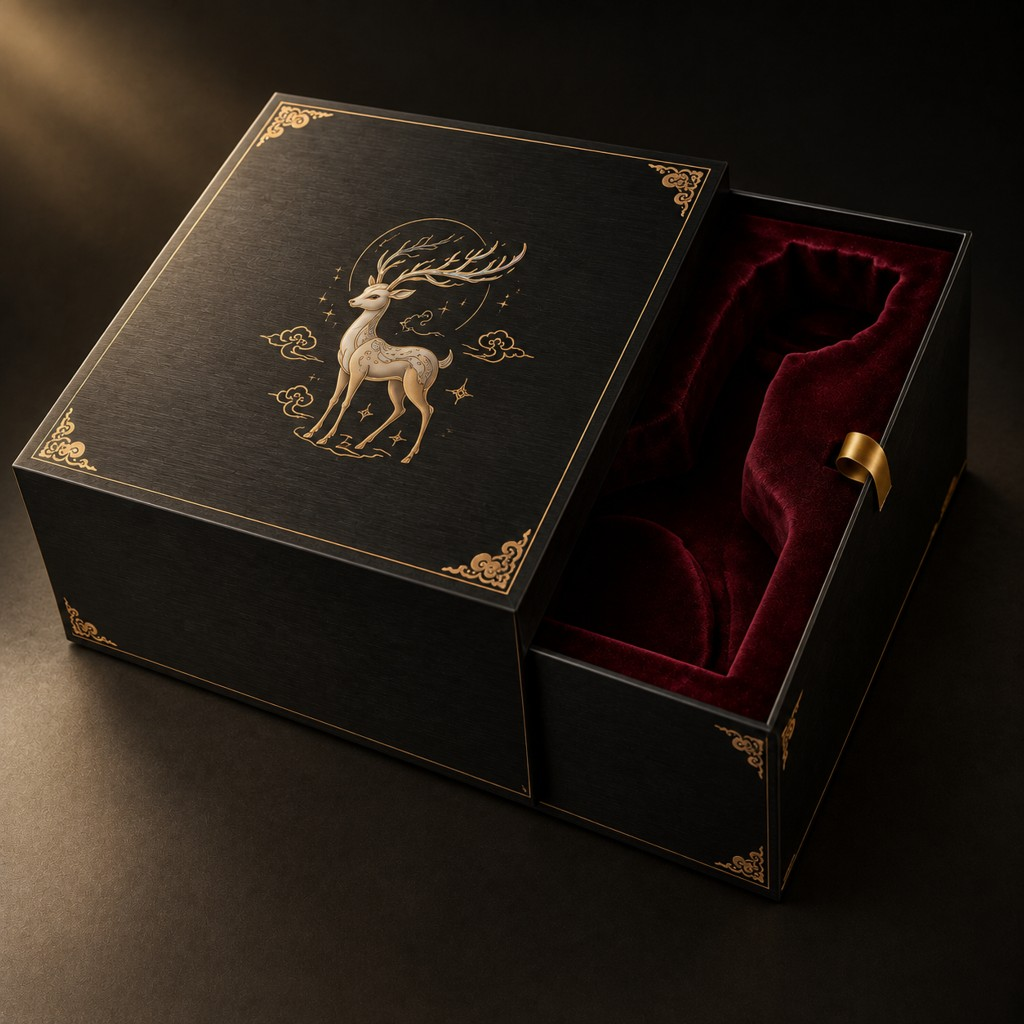
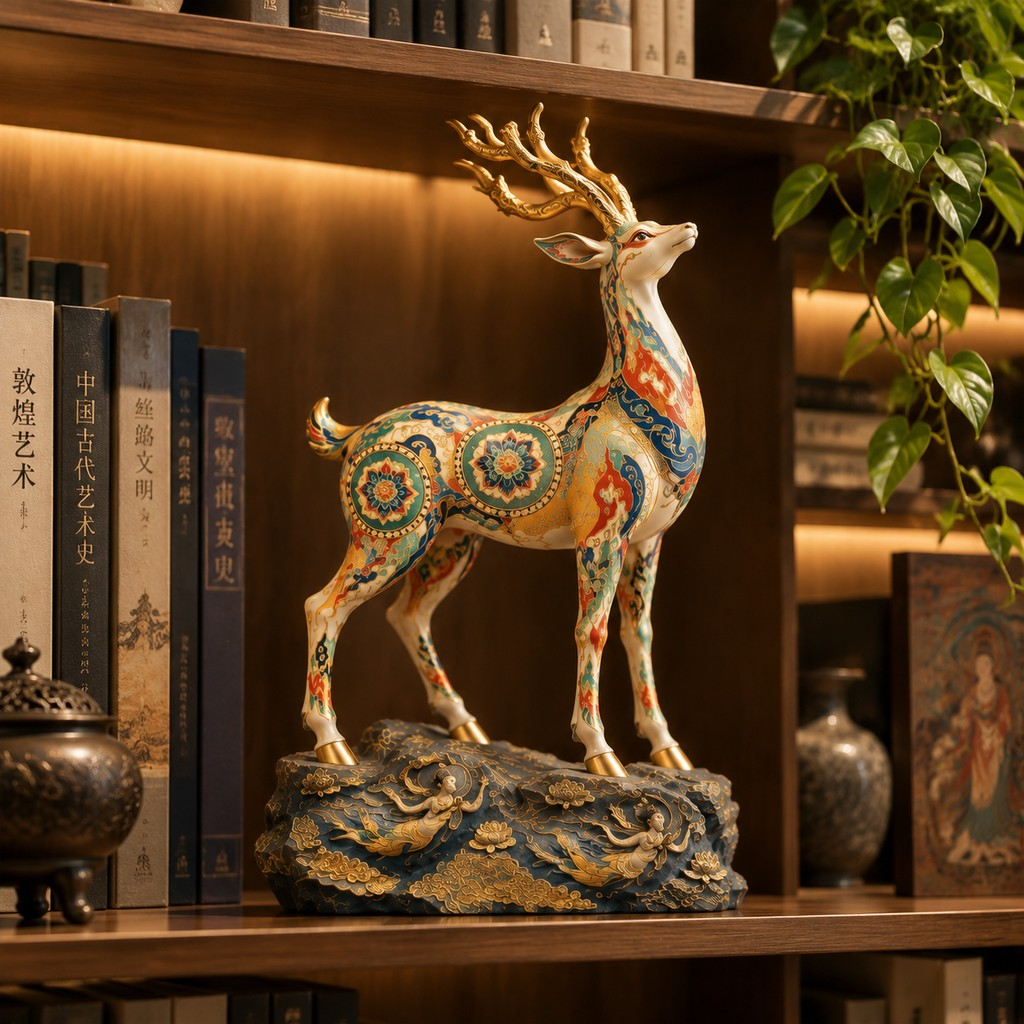
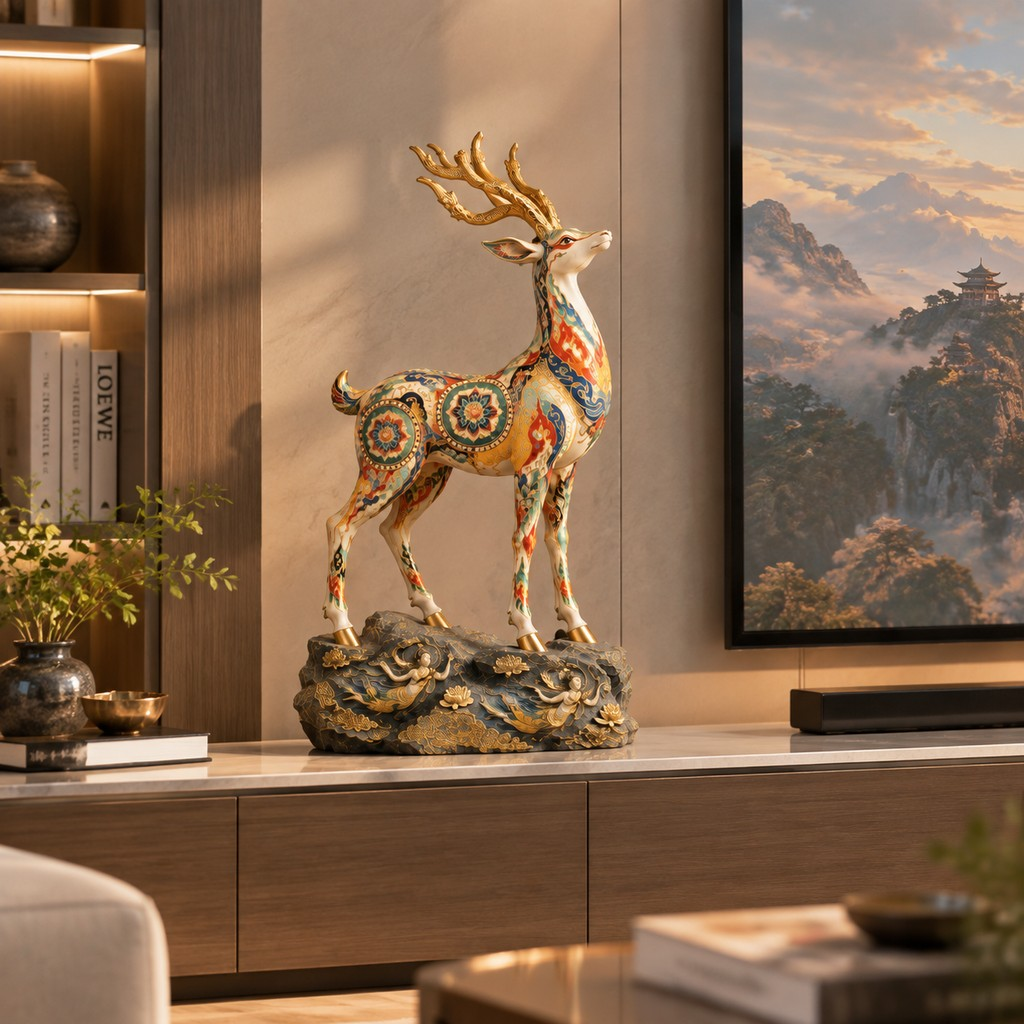
From series direction to process preview, packaging, and launch assets.
The system retrieves public style and category signals to support series theme and character decisions before visualization.
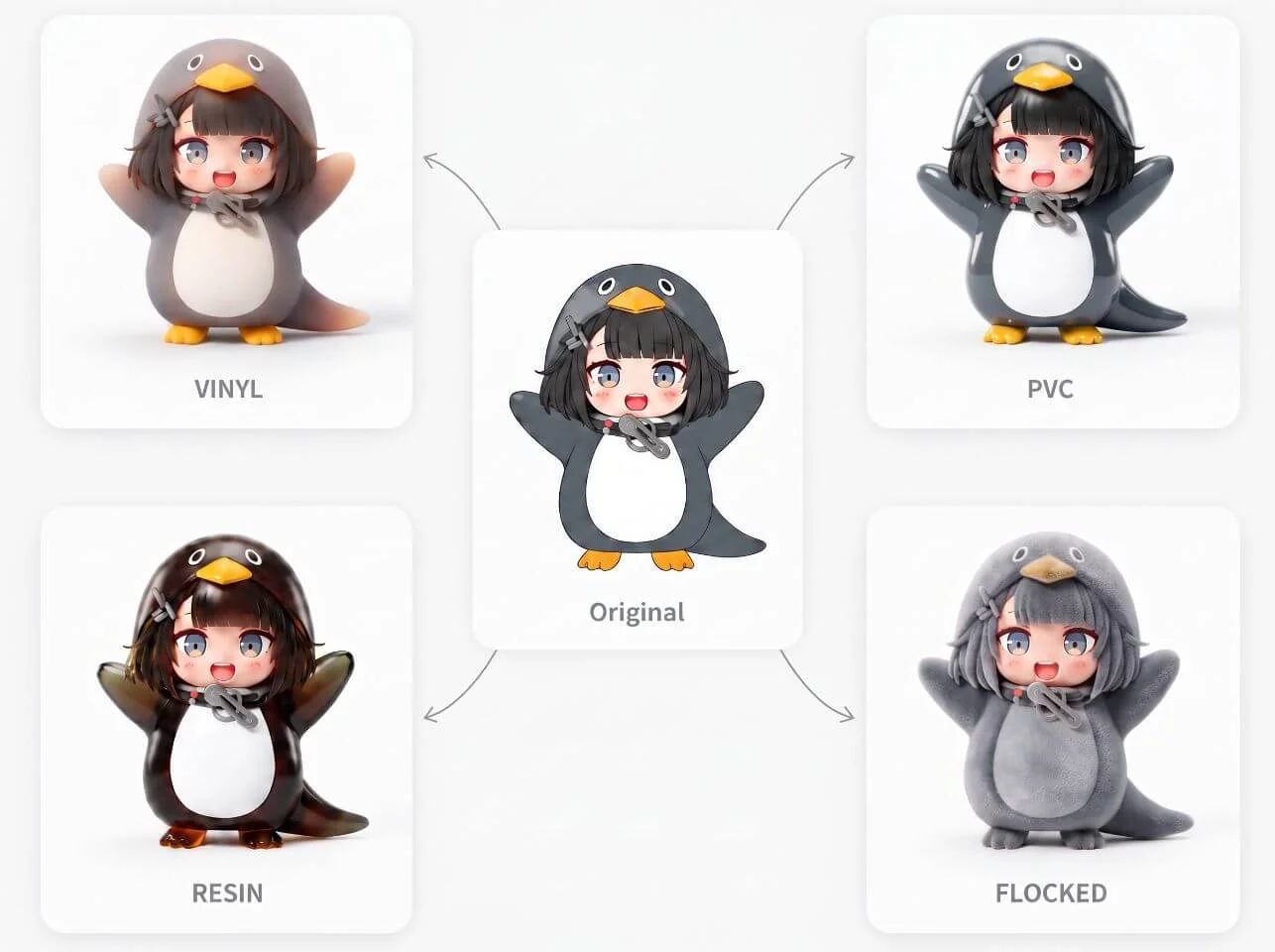
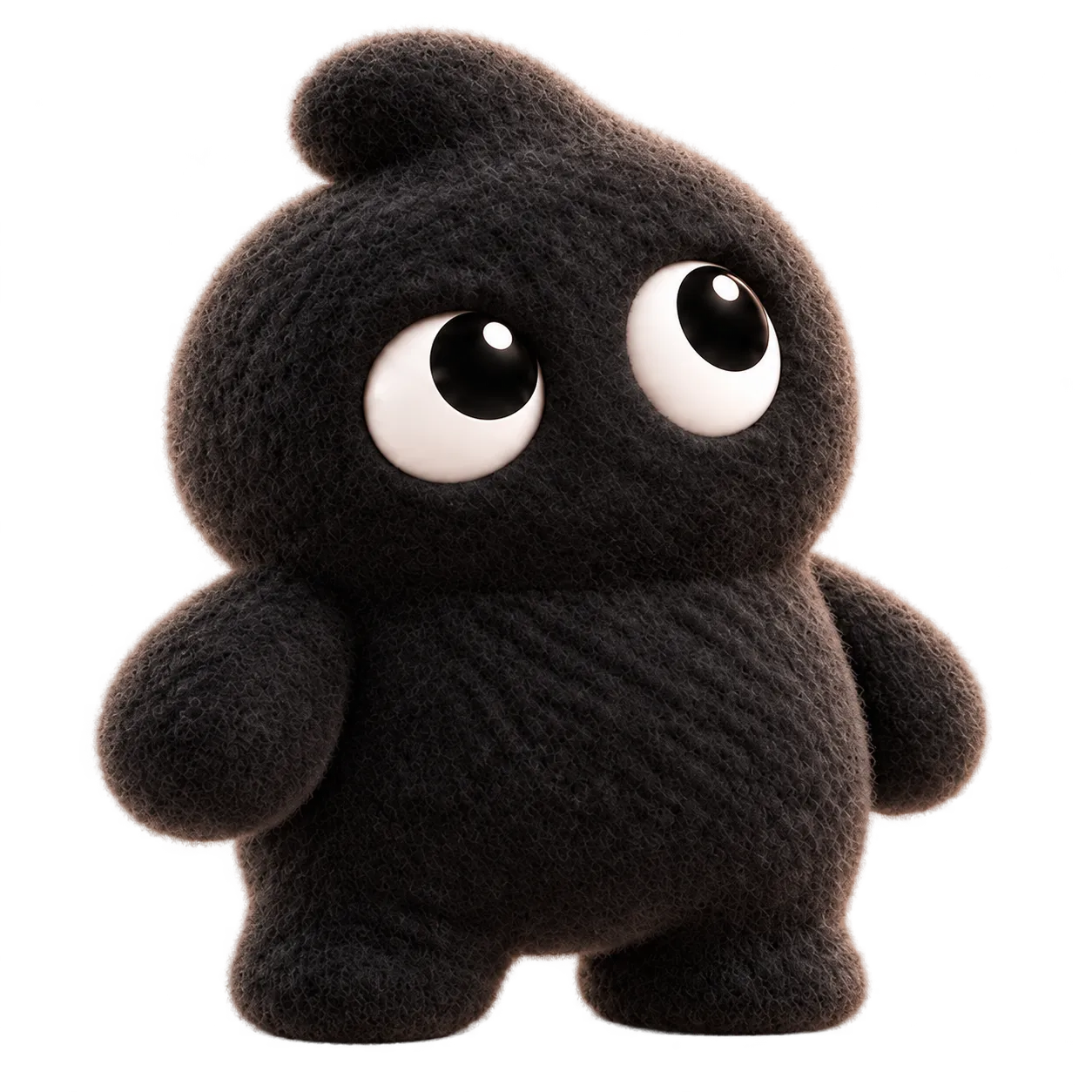
Present soft vinyl, PVC, resin, flocked, and related looks on the same character side by side so process and material direction can be selected before deep refinement.
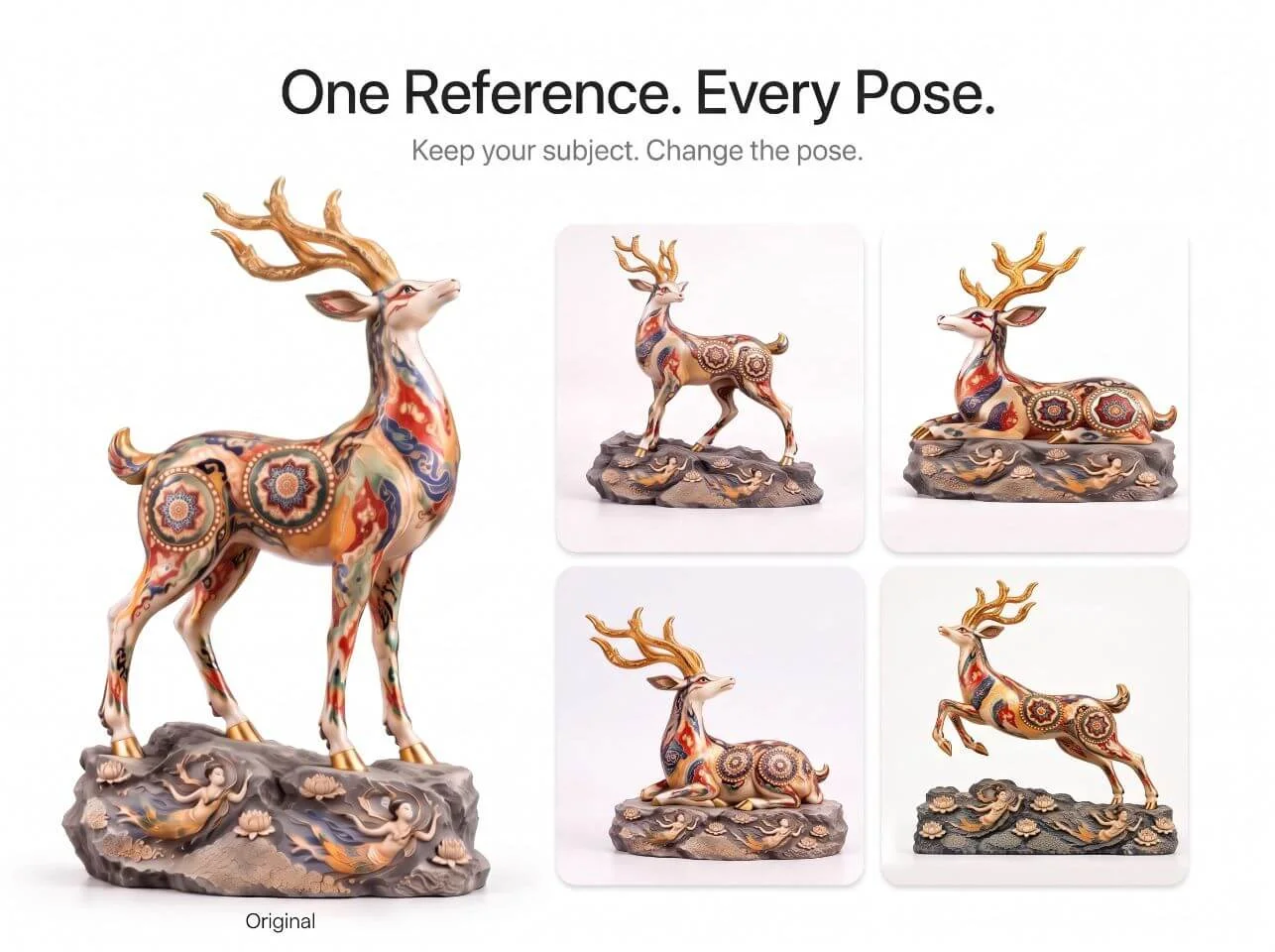
Refine silhouette, expression, and surface finish on the chosen option, and generate poses for display planning and content production.
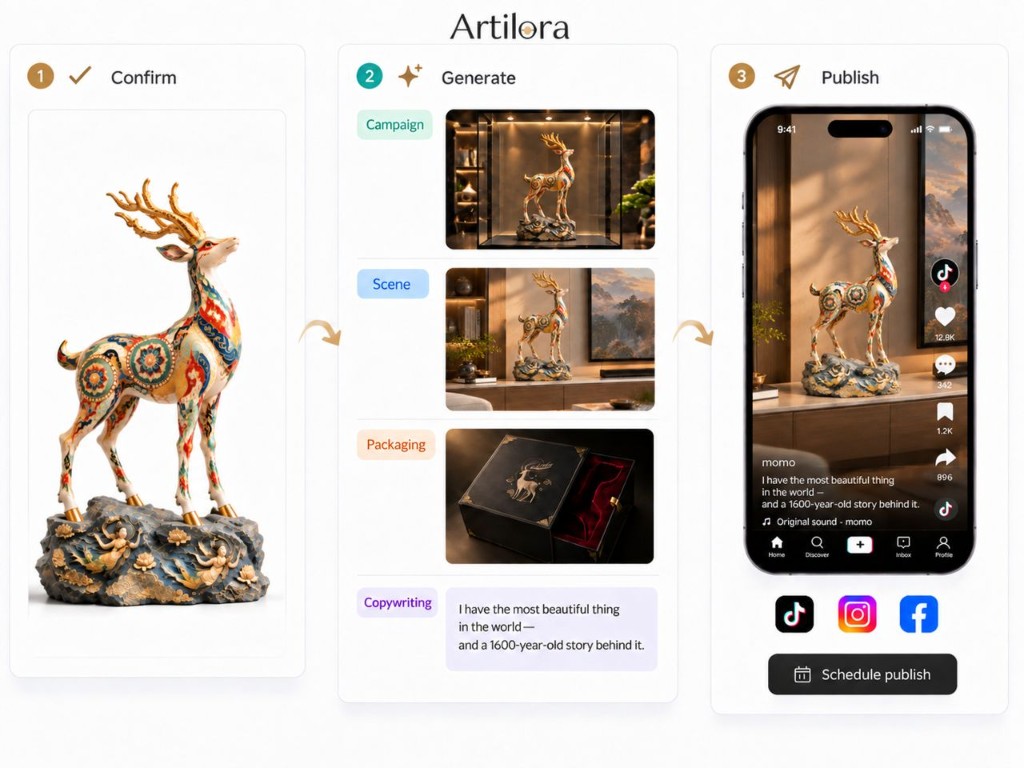
After the figure is approved, produce packaging, copy, images, video, and display scenes for listings and social—publish from the canvas when ready.
From drop visualization to launch assets for IP owners, art-toy studios, and brands.
Retrieve public online information to support series theme and character direction.
Present several process and material looks for one character, then select a direction.
After selection, adjust proportion, finish, and paint.
Generate poses and actions during refinement.
Create packaging matched to the approved figure and process look.
Produce marketing copy, images, promo video, and display scenes; publish from the canvas.
Formats and process looks often used in designer-toy releases.
Joy, Made Real.
Copyright © 2026 Artilora All rights reserved.